

List it.Snap it.Share it.Scan it.
Grozara is your shopping list and your loyalty card wallet. Shopping, sorted.
Coming soon


Lists
Tick it off. Undo if you slipped.
Simple checklists for every shop. Pin the list for your next trip, swipe to delete with undo, and clear what you've picked up in one tap.
- Pin your next shop to Home
- Tick, swipe, undo
- Share your list with anyone
Pinned for your next shop
Weekend shop
2 of 5 picked up
Boyfriend Mode
Send photos, not guesswork.
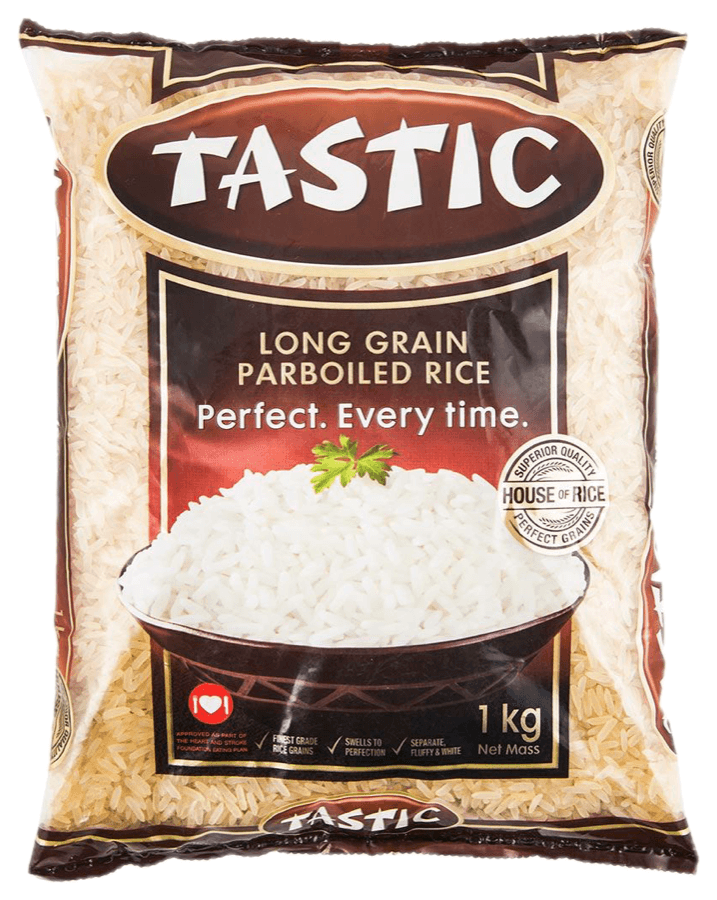
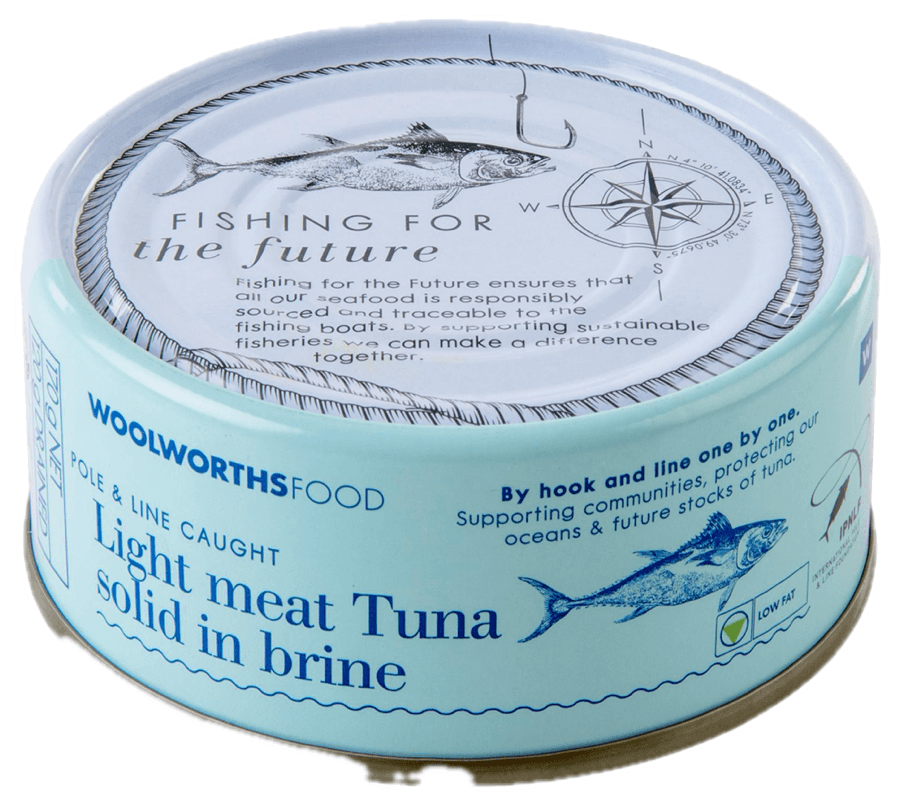
Snap what you need and Grozara lifts it into a sticker. Add how many to buy, a little note and the stores that stock it. Whoever does the shop gets exactly what you meant, then ticks it off.
- A photo becomes a sticker
- BUY stamps and little notes
- Drag, pinch and rotate on the board
 BUY2
BUY2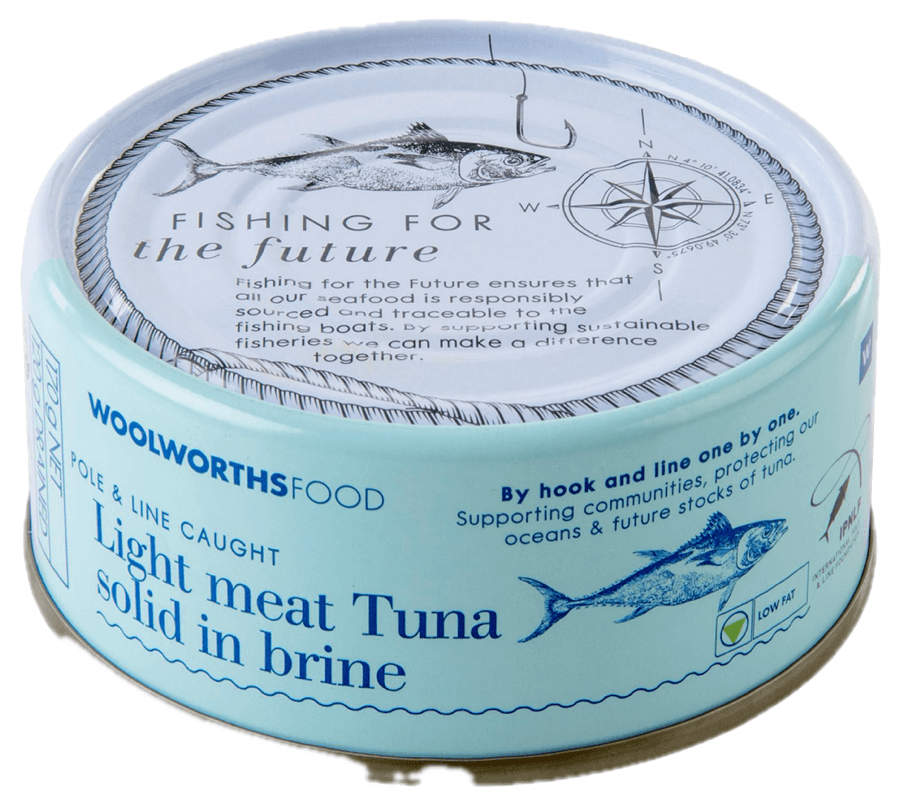 BUY3BUY2BUY3
Loyalty cards
Every card, ready at the till.
Templates for 80+ South African loyalty programmes. Scan a barcode, import a screenshot or type the number. Your cards stack like a wallet, and the screen brightens when it's time to scan.
- Scan, import or type it in
- 80+ South African templates
- Brightens at the till
6009 1204 0931
Extras
And there’s more.
Get this one ♥ · 10:24
Share from any app
Send a photo from WhatsApp or Photos straight onto a Boyfriend Mode list.
Face ID lock
Turn on the app lock and Grozara opens with Face ID.
- Corner Points•••• 7941Leaf Rewards•••• 09311 on HomeSunny Pantry•••• 2208
Favourites on Home
Your go-to cards and your next shop, one tap from opening the app.
Clear in one tap
Done shopping? Clear the checked items and the list is ready for next time.
How it works
One, two, shop.
Tap the rice, the household and the card- BUY2
Rice1 kg Make a list
Type it out, or snap photos in Boyfriend Mode.
- Shared with 2
Share it
Add the household. Everyone sees the same list, live.
Shop and scan
Tick it off in the aisle, scan your card at the till.
FAQ
Good questions.
Is Grozara free?
Yes. Grozara is free to use, with optional extras.
What is Boyfriend Mode?
A photo list for whoever is doing the shopping. Snap what you need, Grozara turns it into a sticker, and you add how many items to buy, a note and where to find it. No more guessing.
How do shared lists work?
Share a list with friends or family and everyone sees the same list. When someone ticks off the milk in the aisle, it's ticked on your phone too, and anything you add shows up on theirs straight away.
Which loyalty cards can I add?
Grozara has templates for 80+ South African programmes. You can add any other card too: scan its barcode, import a screenshot of it or type the number.
Can I add photos from WhatsApp?
Yes. Share a photo from WhatsApp, Photos or any other app and pick the Boyfriend Mode list it belongs on.
Can I lock the app?
Yes. Turn on the app lock and Grozara opens with Face ID.
When can I get it?
Grozara is in beta right now and coming soon to the App Store and Google Play.
Get it.
Shopping, sorted.
Your lists and loyalty cards, together.
Coming soon